
"They said that gaming on mobile is terrible" - review of Razer Naga
Hello, my dear lovers of trolling in the comments!
Not so long ago, the guys from Razer gifted me an interesting device, the Razer Naga – that's a mouse. Yes, indeed! The one that looks like a mobile phone. I’ve been playing with it for about a week now, but for some reason, it feels like an entire month has passed.
In this post, I want to share my impressions that I've formed after getting my hands on it.
Briefly about the product
The Razer company positions the Razer Naga as a mouse for MMOGs (Massively Multiplayer Online Games) under the slogan “Get Imba!”, which will help you offload your keyboard from a billion binds. However, this doesn't prevent it from working successfully in other multiplayer or single-player games as well.
Here are the specifications:
- 5600dpi Razer Precision 3.5G laser sensor;
- 1000Hz Ultrapolling™ polling rate / 1ms response time;
- 5 meters (200 inches) per second maximum movement speed;
- Silent Ultraslick™ Teflon feet;
- 17 MMO-optimized buttons (including 12 under the thumb);
- Optional software add-on for MMO (AddOns);
- Unlimited number of profiles in the add-on;
- Approximate dimensions: 116.0 x 69.0 x 41.6 mm.
Packaging and Bundle
The Naga was delivered to my office at GAMER.ru, and the unboxing process began, which was impossible to resist. But before telling you about the contents of the box, let's take a look at it:
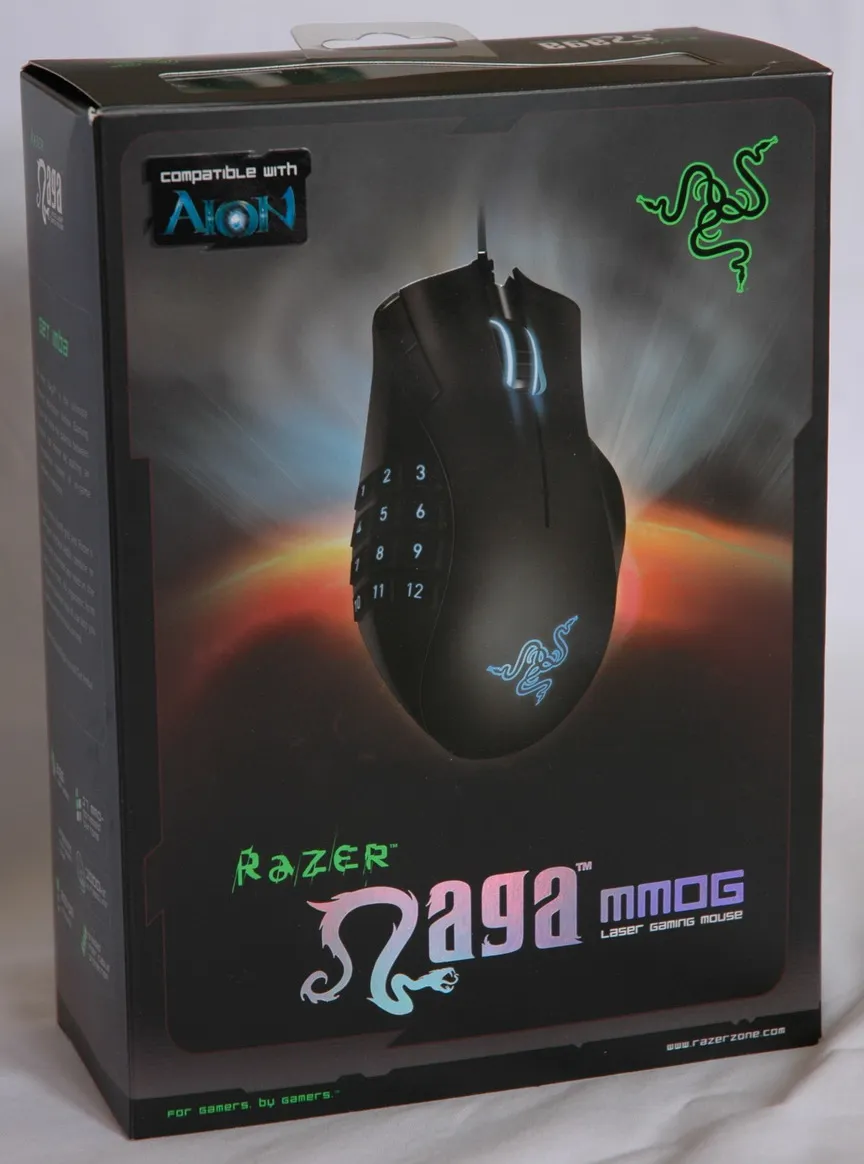
Stuck on the forehead is the sticker "Compatible with Aion"
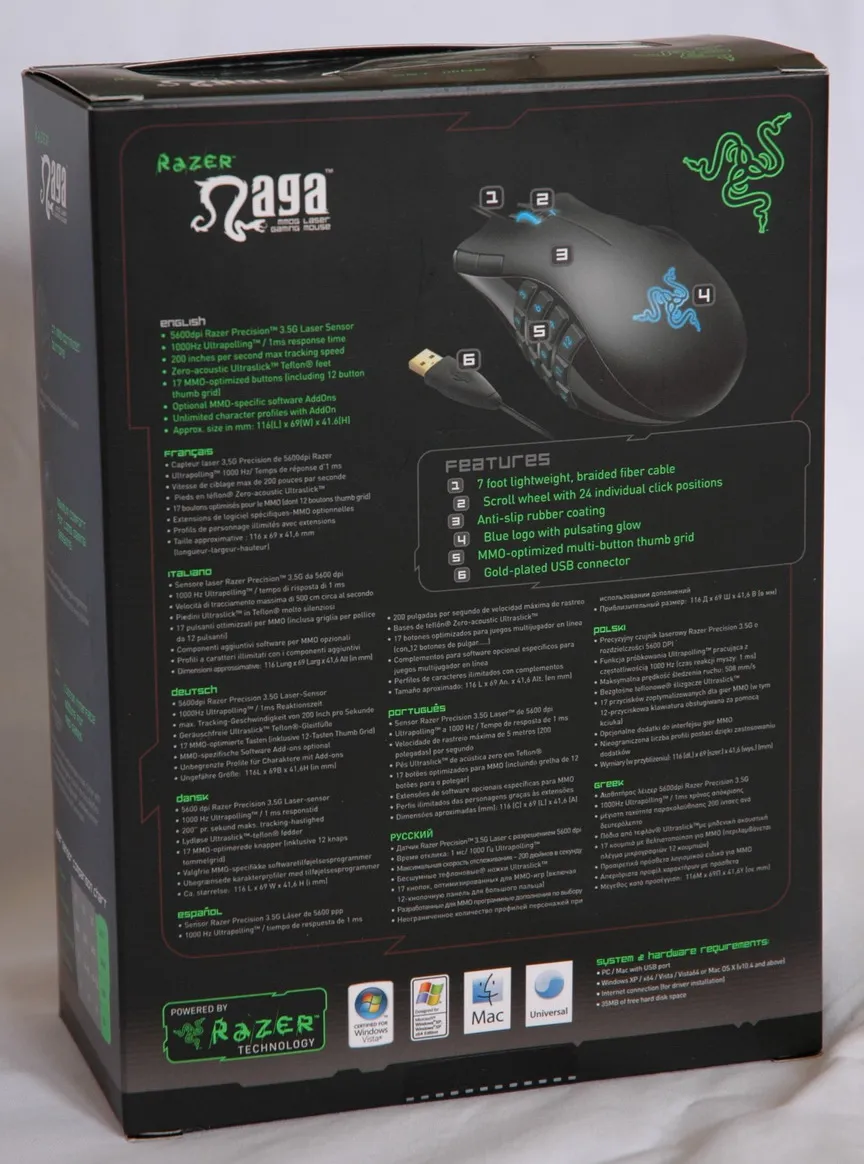
On the back of the box, there's an endless number of European and other languages, as well as pictures of certificates and compatibilities
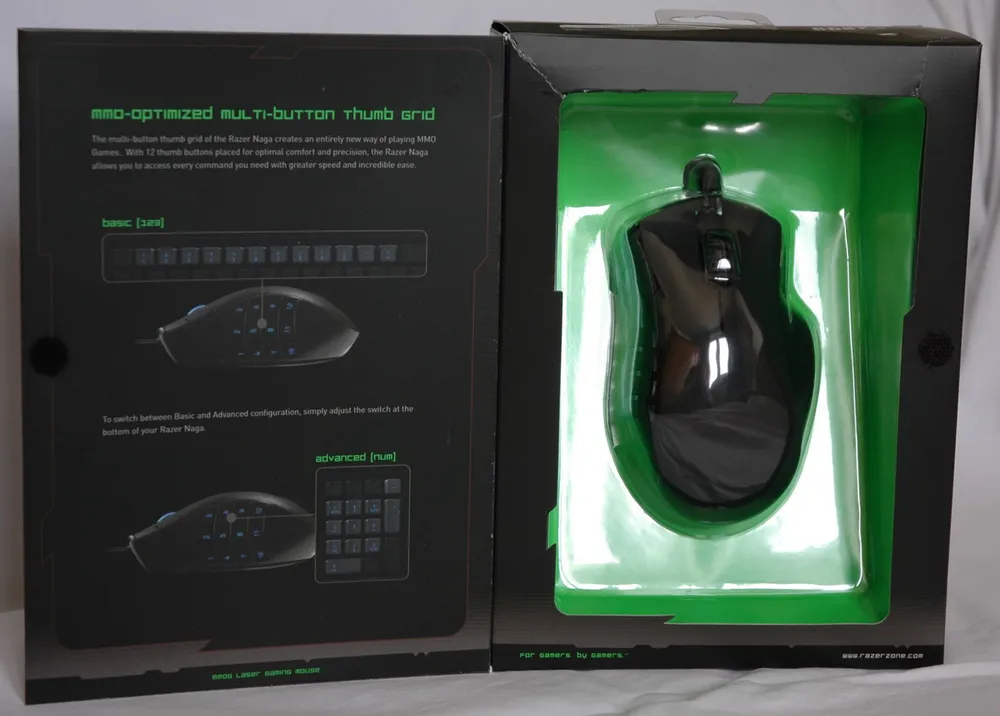
The box opens like a book, and here we see our treasure!
So, let’s unwrap it. I accidentally tore the box but that's not a problem. The mouse sits in a clear plastic mold, and the base of it is a cardboard plate with documentation. The documentation itself is in a very cool and pleasant-looking black envelope. It all looks like this:
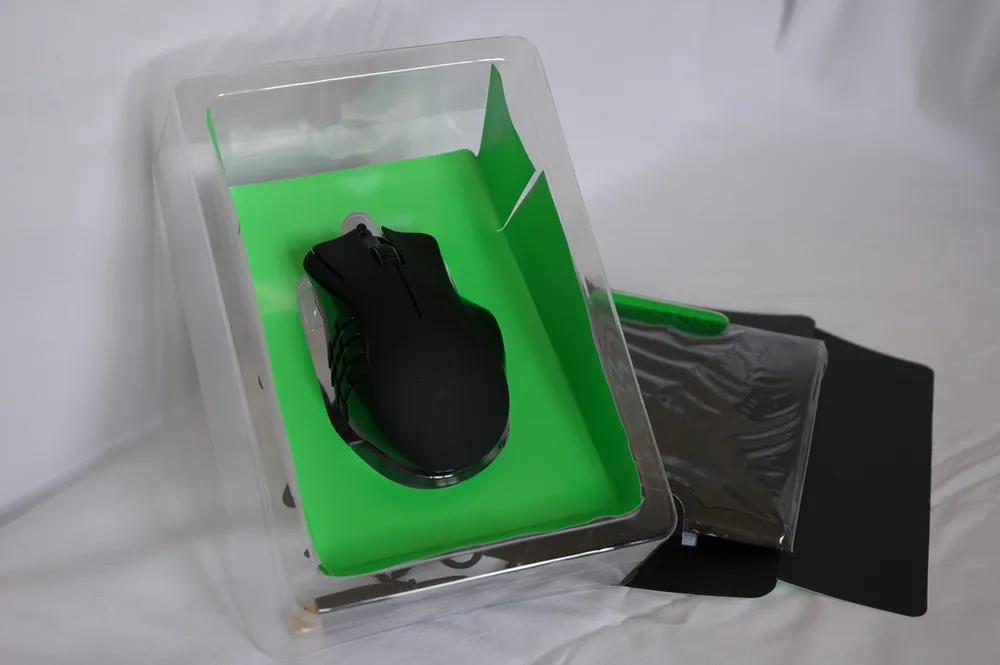
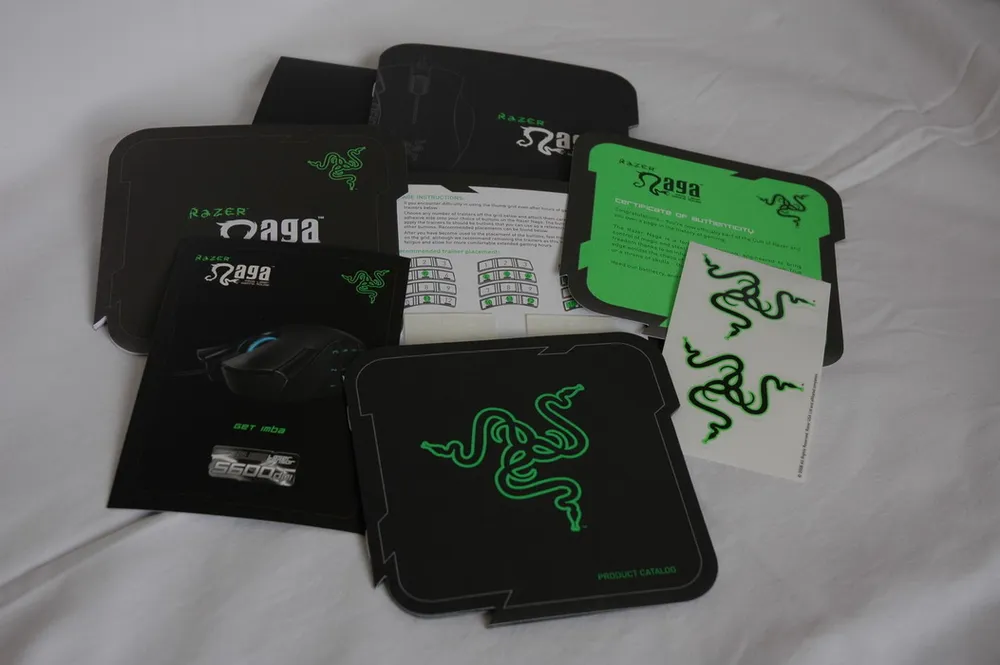
The package (except for the mouse itself) includes:
- A welcome letter from RazerGuy;
- Two Razer triple snake stickers on a transparent base;
- Quick start guide;
- Full manual;
- Product catalog;
- Razer Naga postcard;
- A set of the so-called Grid Trainers (which I will talk about later).
Body and Comfort
Here’s the mouse, already extracted from its cozy nest, presented in front of my camera’s lens. Let’s take a look:
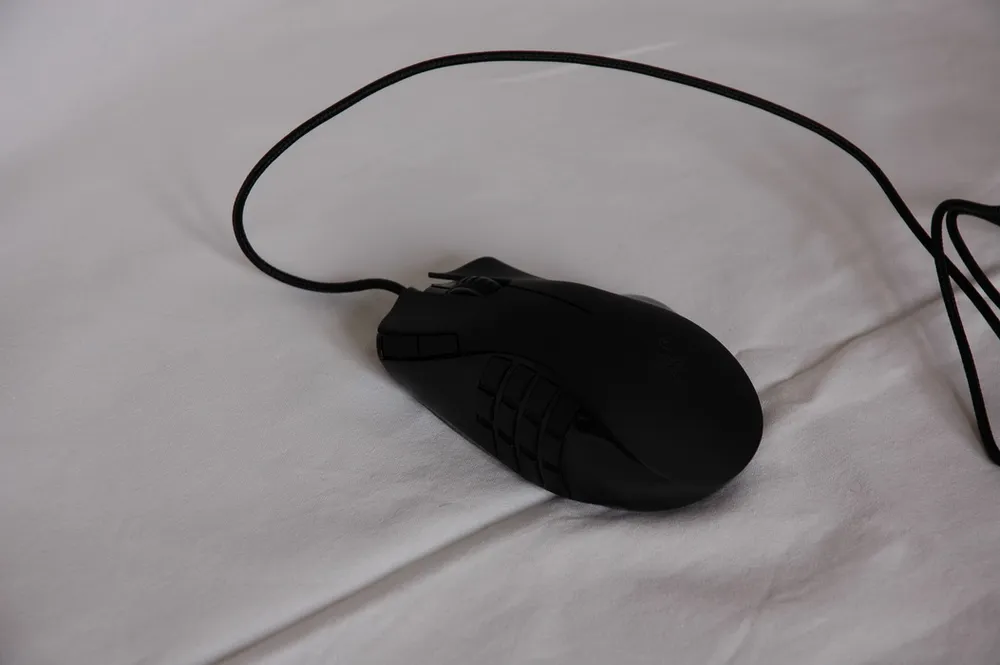
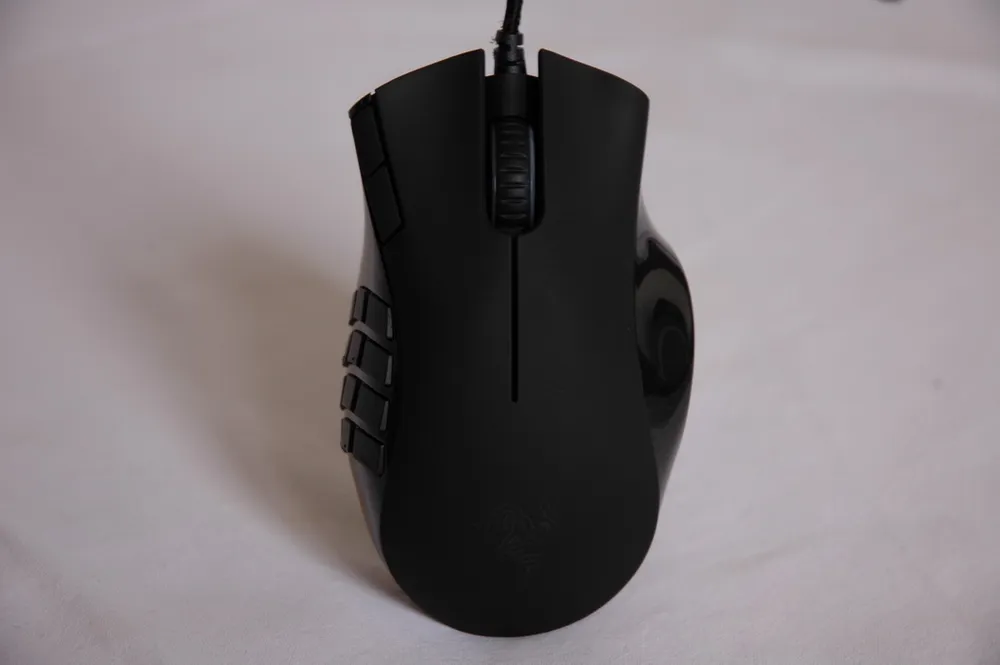
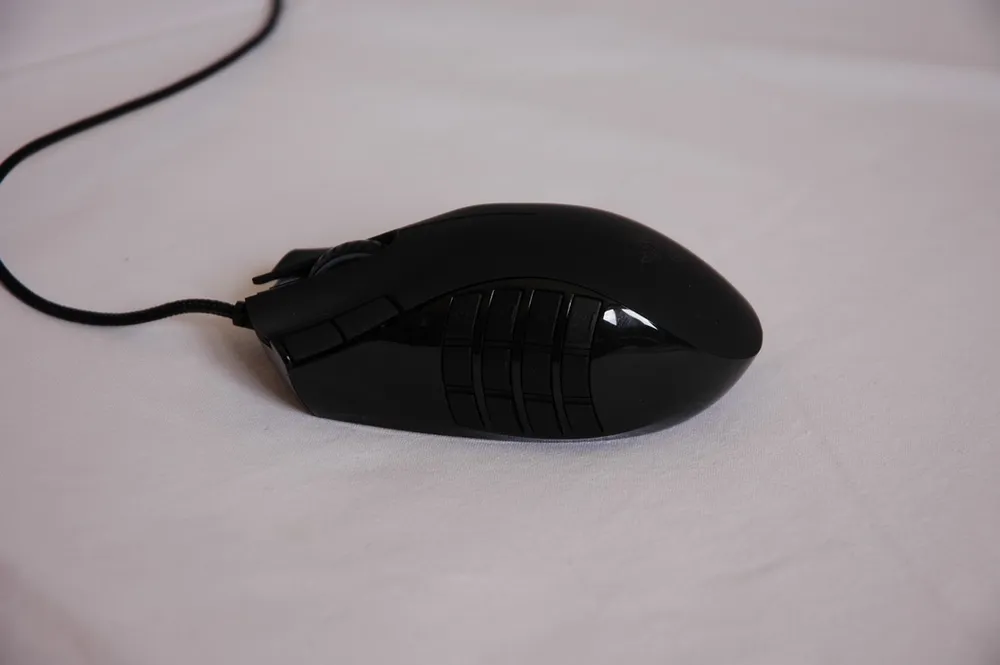
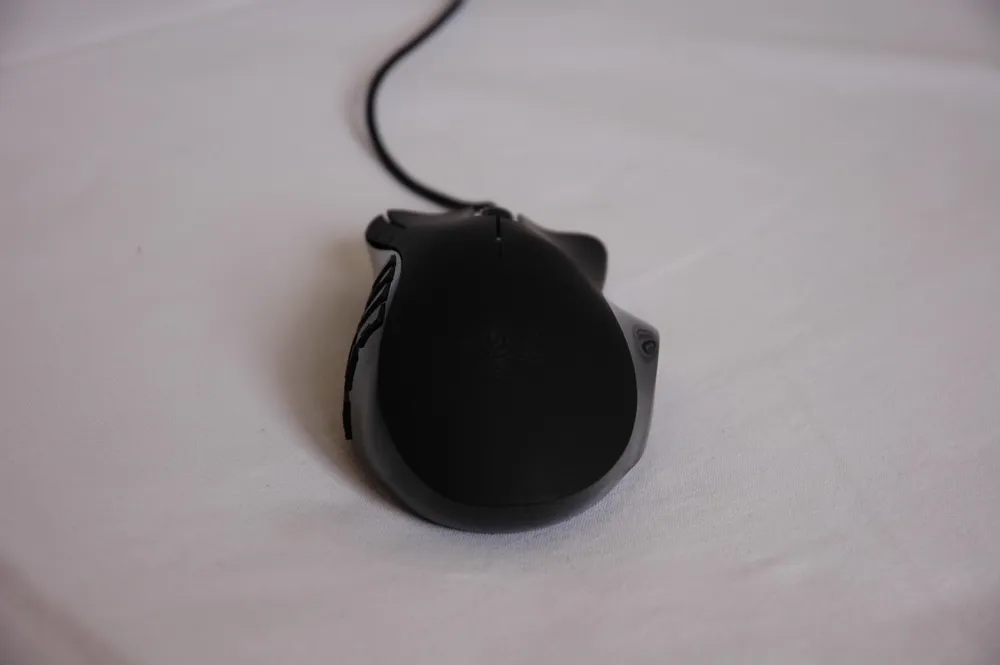
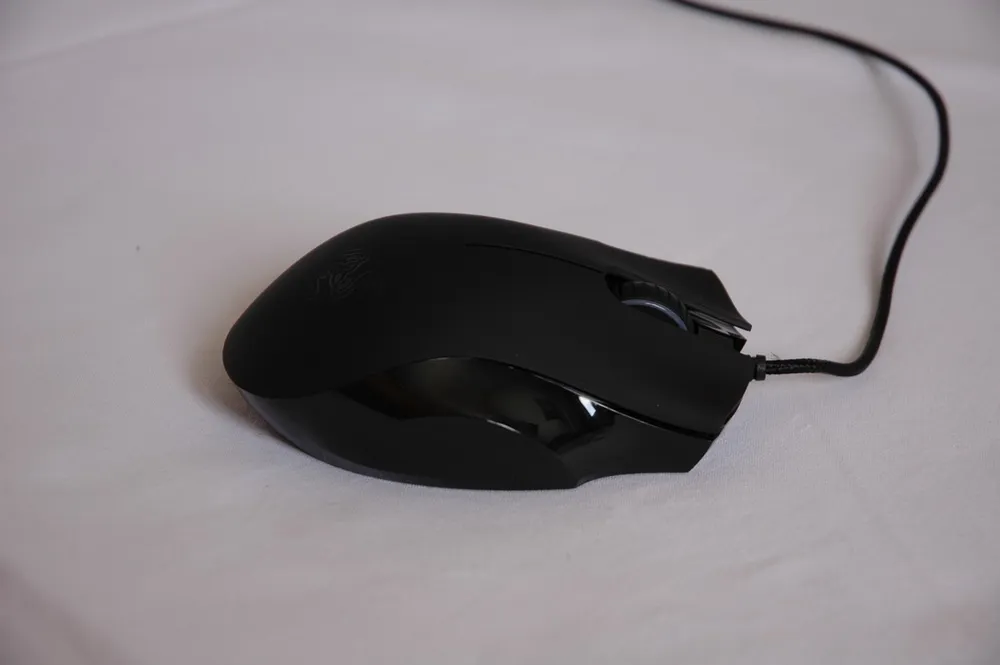

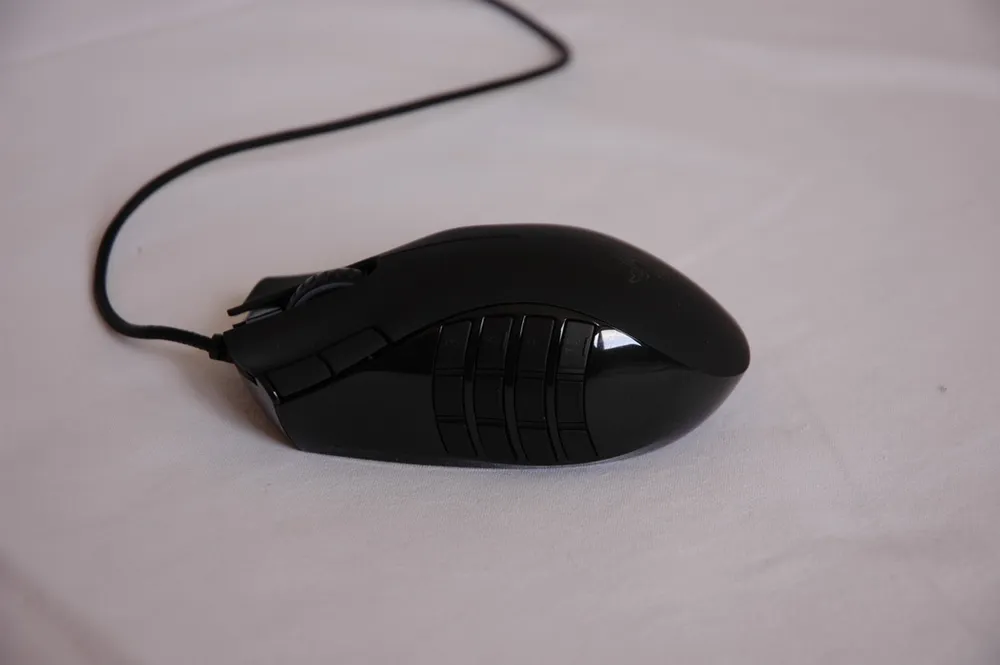
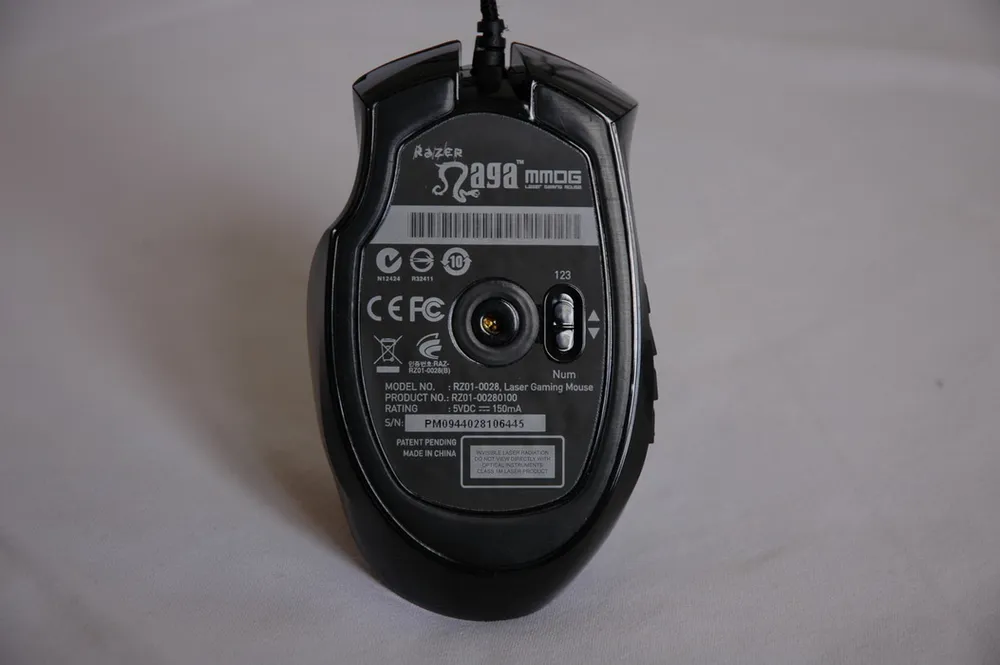
The body of the mouse is made of two types of plastic: matte and glossy. The glossy plastic, as you know, is a big collector of dirt and fingerprints, so I need to devote a separate paragraph to this.
Before this, I used a Microsoft IntelliMouse Explorer 3.0, and paired with it, I constantly had a cloth for wiping the two main buttons, as every 30 minutes (!) of active gaming, disgusting fingerprints formed on them, and I couldn't stand it, so I had to wipe. With the Razer Naga, I only used the cloth once a day, as the glossy part is located on the sides of the mouse, and dirt on them is hardly noticeable. Thanks to matte plastic!

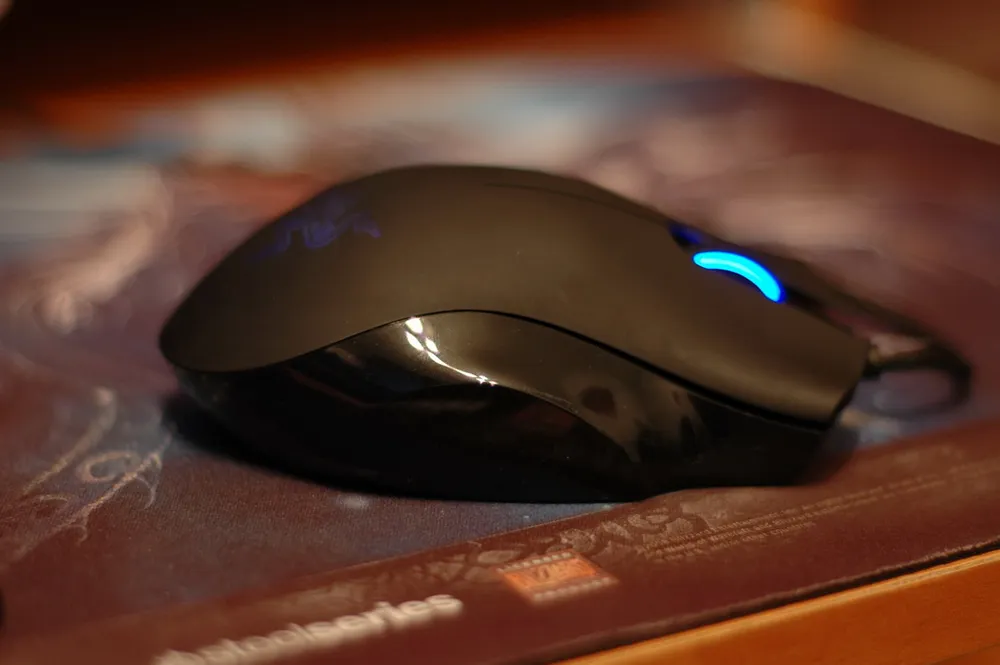
The mouse feels quite large, but in reality, it's not. It's rather slightly inflated, which is very comfortable for a larger hand. My hand got used to holding the mouse within the first couple of hours. I never press the central part of my palm against the mouse body; instead, I hold it like a “spider.” None of the parts creak or rub. An important point: the mouse is only for right-handed users!
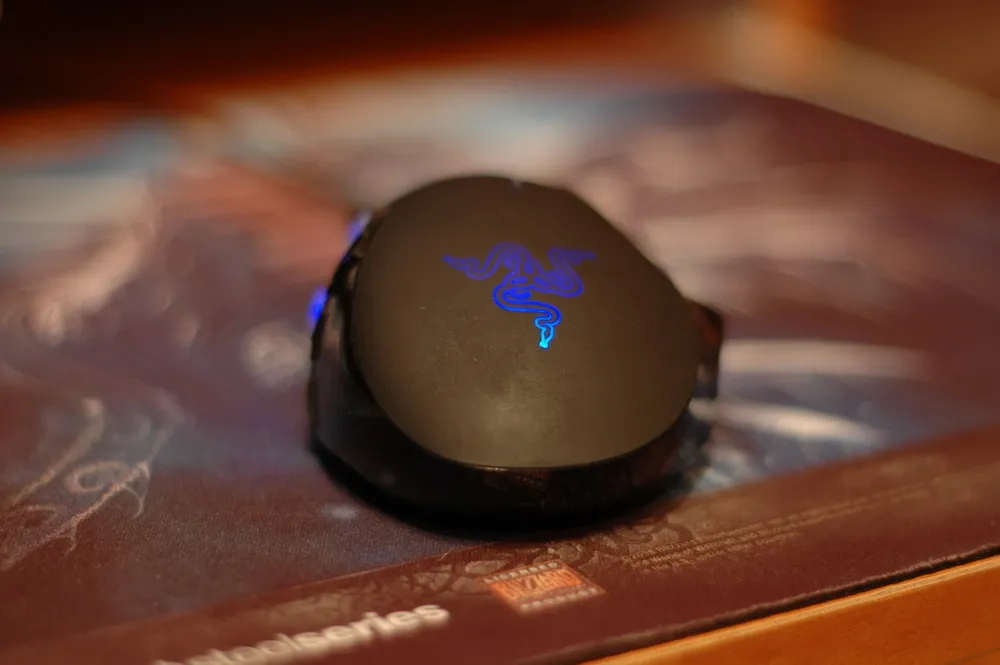
The main buttons have depressions for fingers, which prevents them from shifting side to side during active gameplay. The clicks are felt distinctly and accompanied by a sound, which fits the plastic, quite ringing. The buttons can be pressed from any area, even from the center of the mouse (there's no risk of accidental pressing).
The scroll wheel is clickable, illuminated, and well rubberized. Scrolling is fixed; there’s no inertia. There is no ability to click left or right – amen, may Allah bless you, thank God (underline the necessary). There is a slight play on the axis, which is barely noticeable (if it were absent, sooner or later it would appear due to mechanical stress, and the consequences could be much worse).
The two buttons on the upper left part of the mouse are, perhaps, the most unfortunate implementation in this device. I don't use them at all! No matter how I tried to assign something to them, nothing worked out. And when I deliberately used them, I constantly either missed or accidentally pressed the left button. Nightmare. The maximum that can be assigned to them are some unimportant binds (in the case of World of Warcraft, there are very few, because following the main mass of commands is the "global cooldown" of 1 sec., which is incredibly critical).
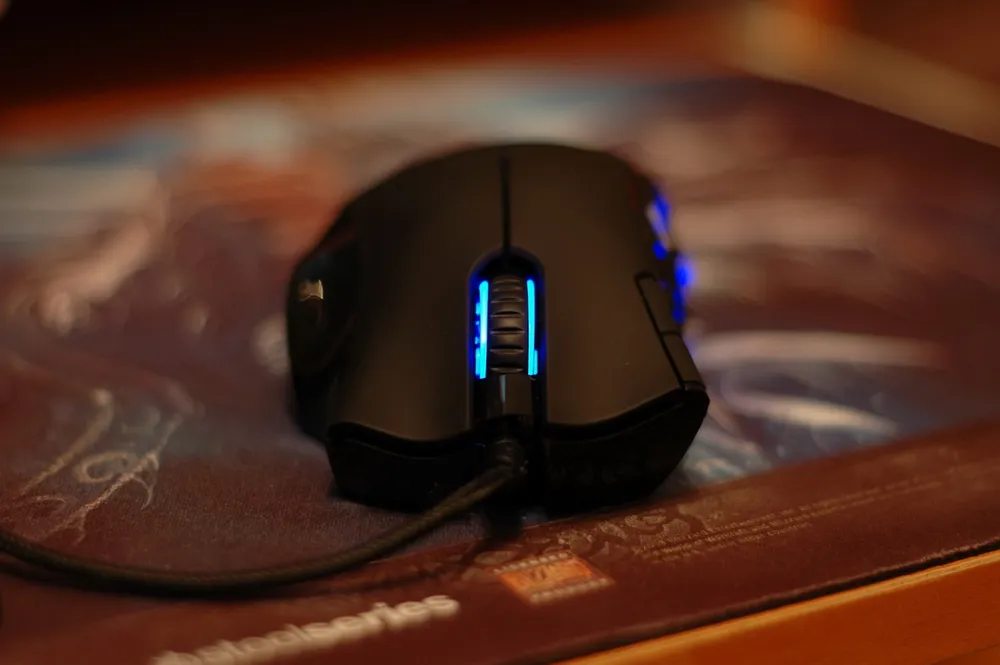
Now the most crucial part of our review: “Son, call and tell me when you’ll be back home.” Yes! That’s 12 buttons on the most inflated left side of the mouse! The very device of a phone. I must mention that I personally only actively use the keys from 1 to 6 inclusive. Of course, I could find applications for the other six, but so far there's no need.
So, 12 buttons. The buttons are large, arranged in a logical order, press easily, clearly, and rarely will pressing one button result in pressing another, meaning that the distance between them is sufficient even for my enormous thumb. The sound is muffled. An important note: the area under these buttons gets a bit warm (I haven’t tried turning off the backlight)! All buttons illuminate, but why this is needed is unclear (you won’t be looking at them while gaming). You know, at first, the finger refuses to accept commands from the brain and starts getting dreadfully confused in this mass of pressed elements, but Razer’s designers found a genuinely “Imba” solution – those same “Grid Trainers,” which I mentioned earlier:
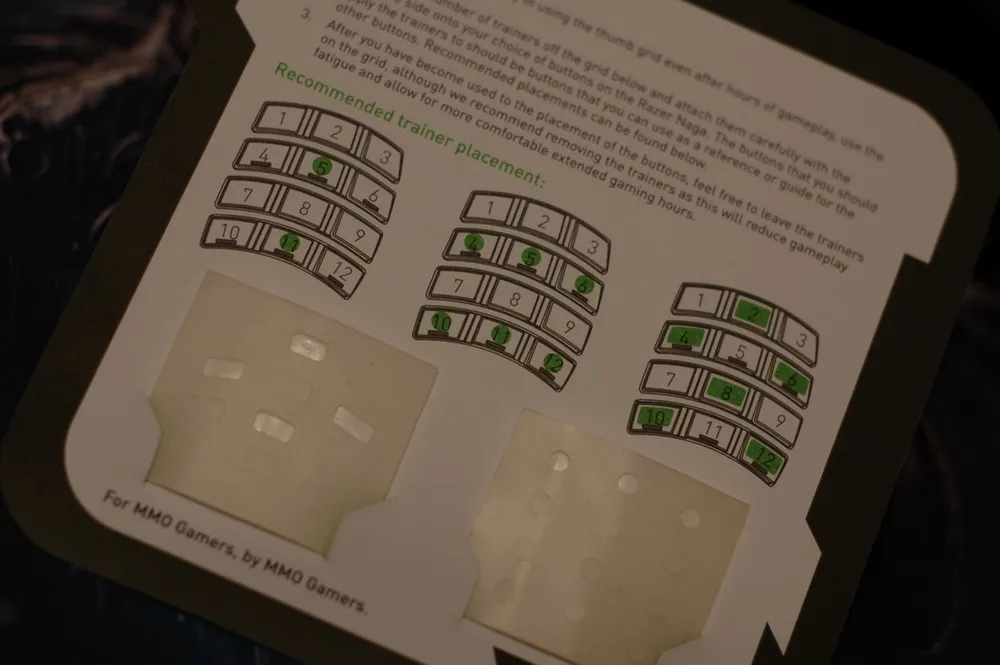
In the package, there are 24 pieces, 12 of each type
These are stickers that stick to any of the keys and serve as a guide in the Kingdom of Button Pressing. I don’t know what I would have done without them. Several layout options are offered in the documentation, but I chose the following:
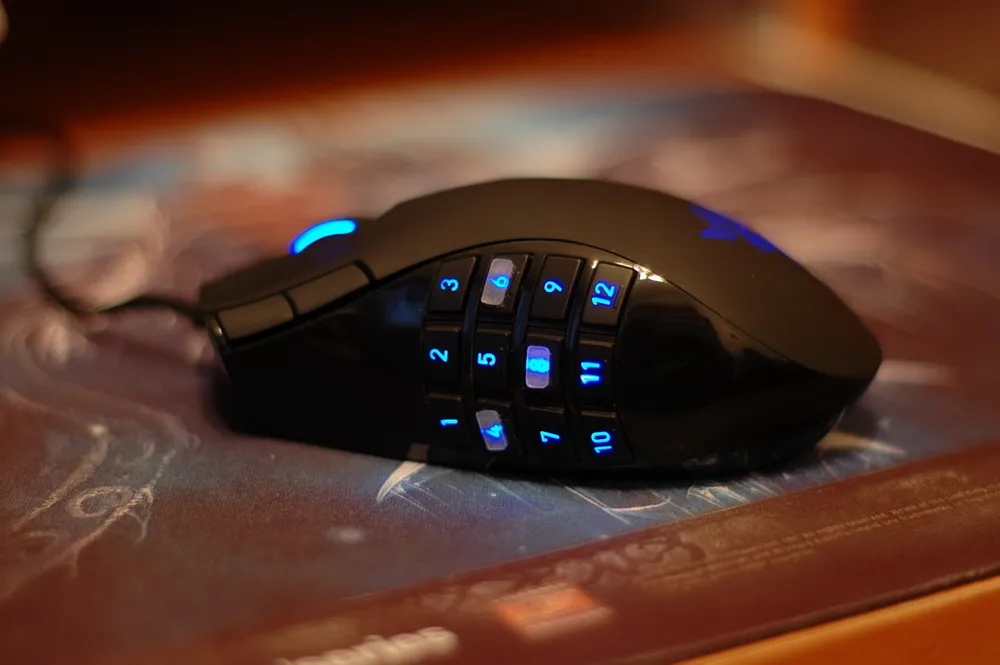
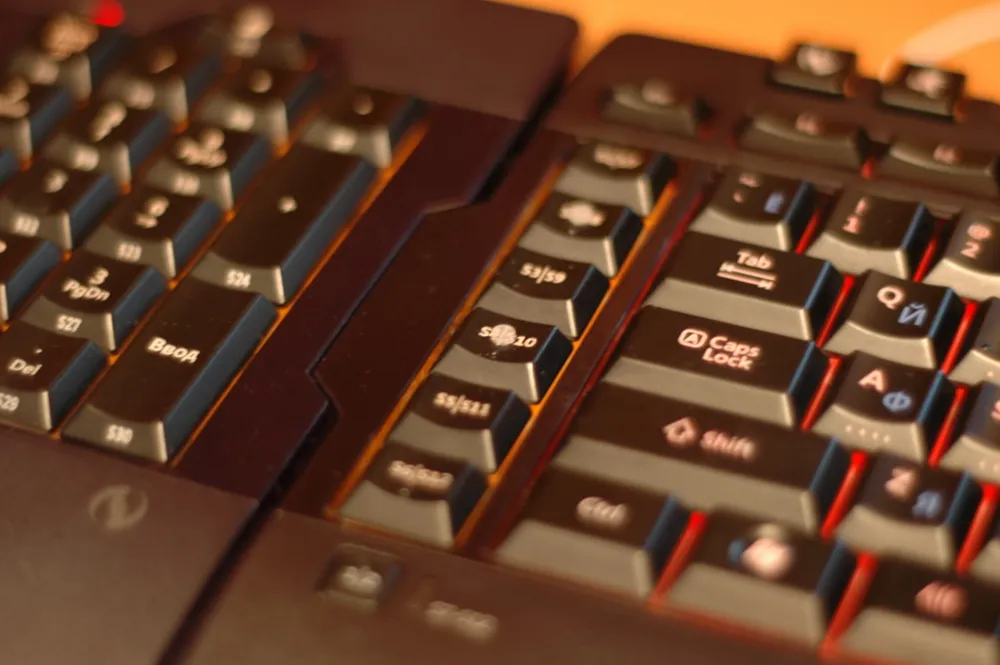
Moreover, I found applications for them on the keyboard
Do not stick these scarce items on frequently used or hot buttons, as they will inevitably peel off. Use them as intended, to orient yourself on rarely used buttons.
An important note: excessive sweating in no way interferes with gameplay; the mouse does not slip!
The mouse feet are very well positioned, around the entire circumference and in the center around the sensor. By the way, I play on a fabric mouse pad from Steel Series from the World of Warcraft series.
Also, at the bottom, there is a switch with the inscriptions "Num" and "123." This gives you a choice of how the buttons on the side panel will operate. Accordingly, "Num Pad" or buttons from 1 to 9 and also "-" and "=.
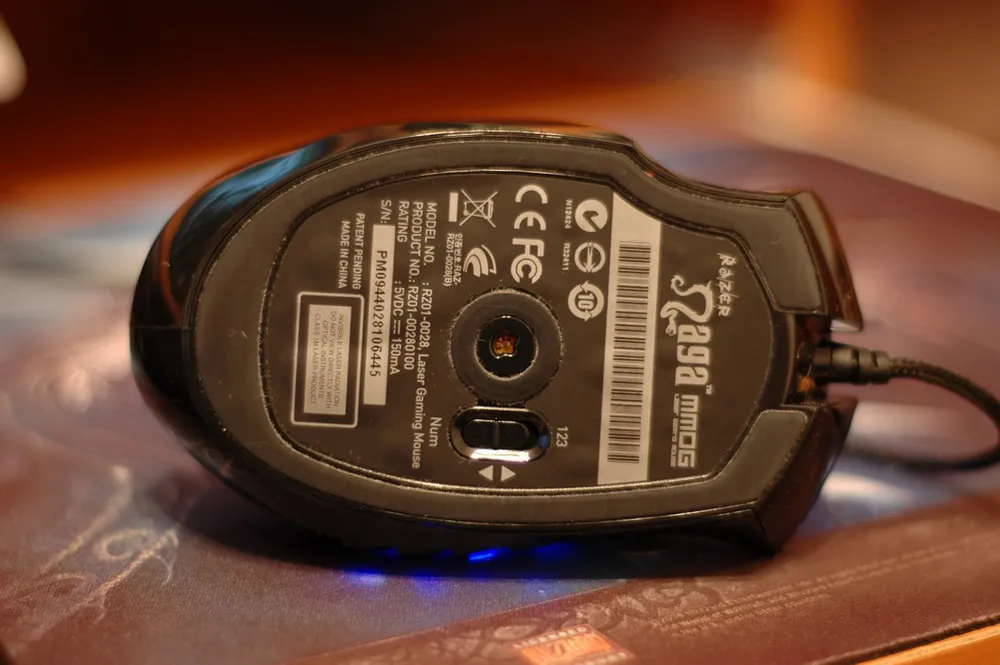
The cable is in a fabric braid with a (sure, of course) gold-plated USB port. The cable's attachment to the mouse body looks quite reliable.
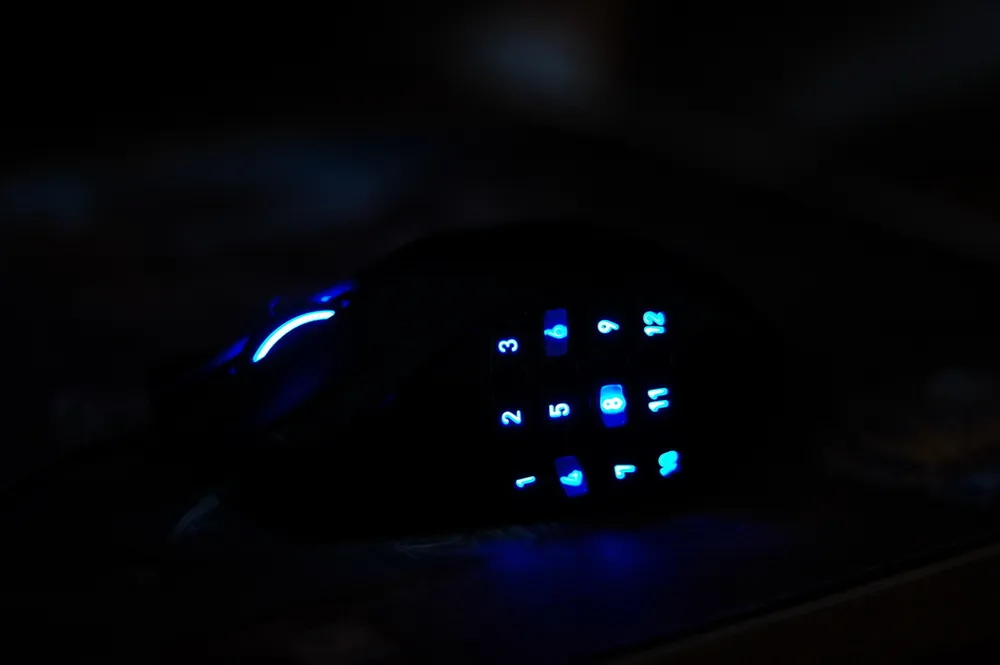


Software
I connected the mouse, rejoiced, and, of course, Windows very timely said to me: “There are updates (not for the mouse), I will install them and your opinion, owner, does not interest me” – and went into reboot. And then something terrible happened. The computer refused to boot further than the hard drive checks etc. “Well, that's it, I played on a new mouse,” I thought (and I had a raid just around the corner).
Fifteen minutes of shamanic dances and violin playing led nowhere, and nothing came to mind except to disconnect that new device with a (sure, of course) gold-plated tip from the USB port. And the gods smiled upon me! The computer booted up. “No way,” I thought.
It turns out that the firmware (yes, the Naga has firmware), with which the Naga comes, has a terrible bug. It locks the boot of computers with certain motherboards.
We go to the site, download the new firmware, follow the instructions:
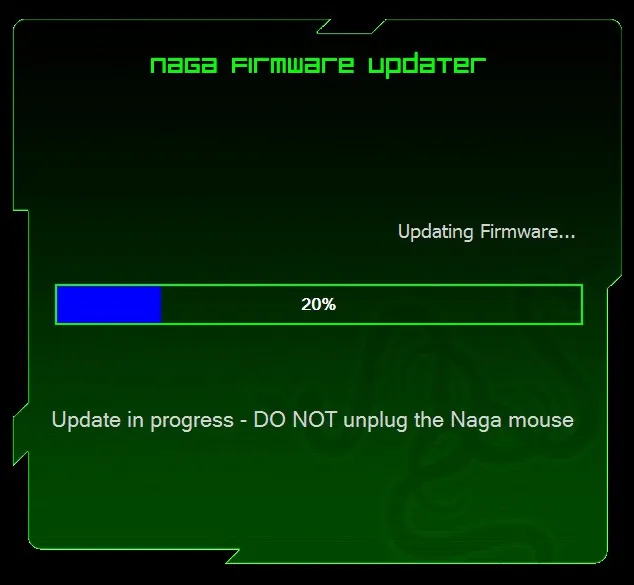
Now everything works
Let me tell you about the Razer Naga Configurator. More accurately, I’ll just show it because everything is elementary:
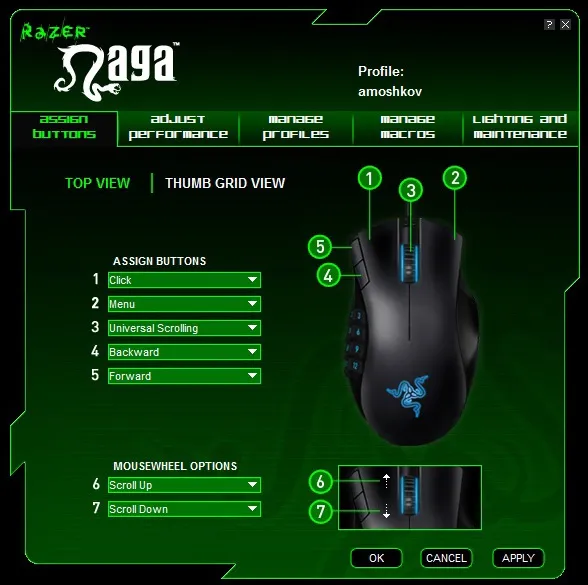

Settings for standard and side mouse buttons (I set everything inside the game)
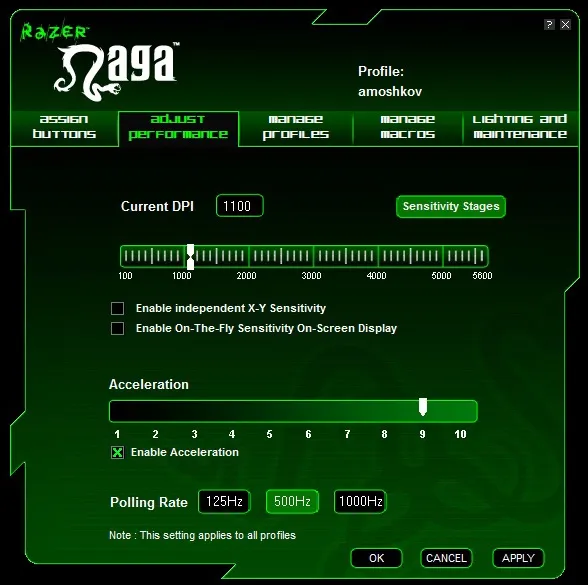
DPI, axis, acceleration, and polling frequency settings
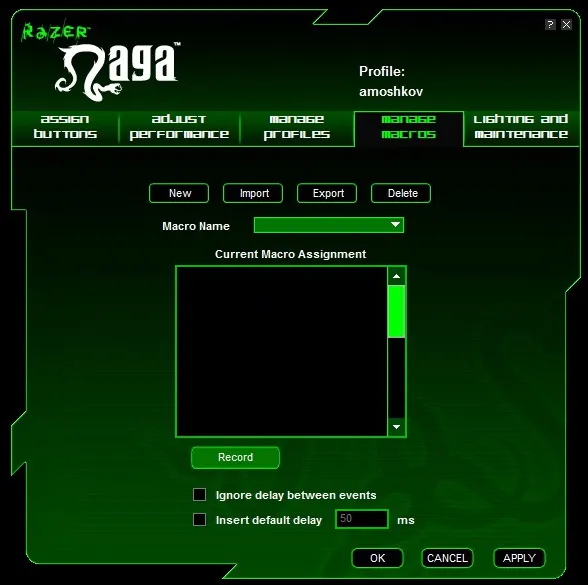
Recording macros with the ability to set the delay you want

Backlight settings and general information
Personal Experience
I play as a shaman in enhancement spec in World of Warcraft. It was very convenient for me to set all the binds for chemistry, frequently used abilities to increase damage on the side buttons. All other binds for my damage cycle are on my keyboard. Overall, the Razer Naga has greatly helped me unload my keyboard.
I can assume that the mouse will be indispensable for healers who play with the "Grid" addon (for example) and heal using “mouseover” (using an ability without selecting a target, but based on the cursor’s position).
The only thing I struggle with now is navigation binds “forward” and “back” in “Explorer” or browsers (although in Opera, I use a combination of the main buttons for navigation).
Conclusion
I won’t put any ratings or make a list of pros and cons. You can understand everything from the review. I’ll just say that this is a very good mouse for MMOGs, and I must say that a dedicated MMO player should spend money on it, as there are practically no alternatives (don’t suggest the WoW Steel Series Mouse; I have a dismal experience with it). But please note this: the mouse is still for MMOGs (maybe also for strategies)! If you want to get such a device for shooters, it’s better to find something else from Razer or other manufacturers.
And keep in mind that this review was written by someone who has been playing only MMOGs for more than 7-8 years. Single-player games hardly interest me, except for rare, very rare exceptions.