
Gamer's Notifi (version 0.93 from 14.05.2011)

Gamer's Notifi - this unassuming title hides a Chrome browser extension designed to notify users of the website gamer.ru about new posts in their feed and new personal messages.
Version 0.93
• another fix in connection with branding
Version 0.92
• fixed the "godliness" bug related to branding

Detailed tracking of the update mechanism
You can now observe the update process and see reactions to executed operations

No connection or connection issues
v 0.64

Accessing the site and checking for new messages/posts v 0.60

User has not authenticated. You need to log in with your details v 0.60

No messages and new posts in the feed v 0.60

Checking only messages or only posts v 0.60

One new message

Three new posts in the feed
Previous versions
Version 0.90
• Correct display of energy remaining until the next level for users who joined the clan;
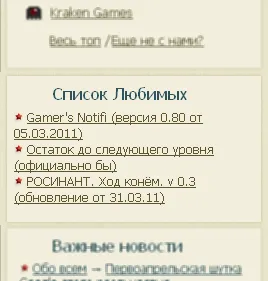
• Added a block with "Favorite Topics" in the side menu *.
(it works a bit awkwardly for now)
Version 0.80
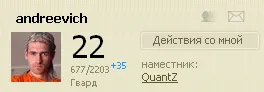
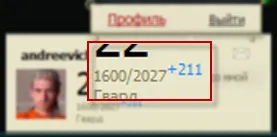
• Added display of remaining progress to the next level
Version 0.70
• Included the Gamer_Sort extension (http://goo.gl/5aIh8). (the extension itself can now be removed)
• Checking for preliminary builds
• Improved the update mechanism
The sorting module can be enabled/disabled in the settings
Based on feedback from werat, the update mechanism has been adjusted
*It would be nice if clicking on the extension icon would trigger a check for new posts/messages in addition to opening the feed (or messages, depending on the settings). So that the counter is updated.*
previous versions
Version 0.64
• Added a feedback form (see Settings)
• Notifications when there is no connection to the site
• Quick view of the time of the last update
If you notice something is not working or you have suggestions for improving functionality, you can fill out the feedback form, thus helping to make the extension even better!
Added a tooltip:
Hovering over the icon will show you the time of the last update

Version 0.6
• notification of lack of authorization;
• detailed tracking of the update mechanism;
• forced update;
• the time of the last update is displayed in the settings;
• default transition to user profile;
• optimization of data loading for processing;
• etc.
Now a bit more specific
Notification of lack of authorization
Since it is necessary to be an authenticated user for the extension to work correctly - this check is performed

To log in, simply click on the extension icon
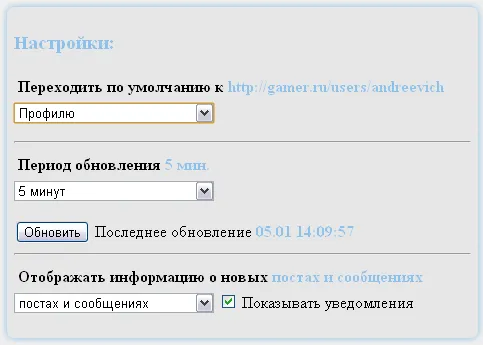
Settings
• Now the settings have a forced update button;
• Time of the last update is displayed;
• Default transition to user profile;
The extension has access only to the site gamer.ru
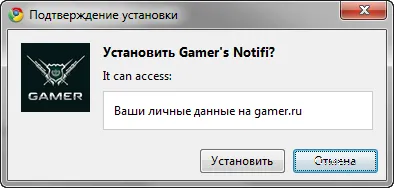
After installation, we will receive an additional icon in our set.

And so, the mechanism is absurdly simple. By setting the polling time for the site, we will receive the number of unread posts from the feed in the numerator and the number of unread messages in the denominator.
To go to the "new feature," simply click on the icon. There is one nuance (more on that below)
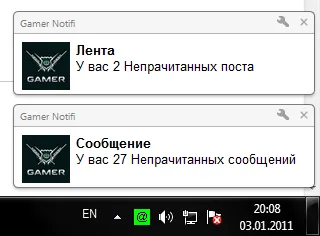
In addition, we will be notified of news through notifications (pun intended), so we can confidently minimize the browser window and enjoy the work ;). The application will let you know when you need to visit the site.
Version 0.5
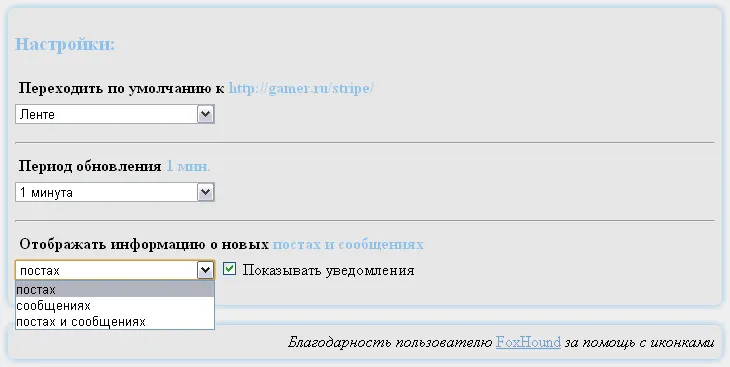
• Changes concerned the displayed information. Now you can specify in the settings what exactly you want to track and hide the rest.

You can also choose to stop showing notifications.
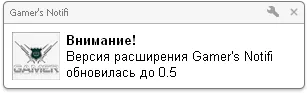
• For the particularly "distrustful" (sorry) added a notification about the update of "minor versions"
• Changes in icons (thanks to FoxHound). Now they look cleaner, so to speak ;)
• etc.
And lastly, a bit about settings - there are only 2 of them!
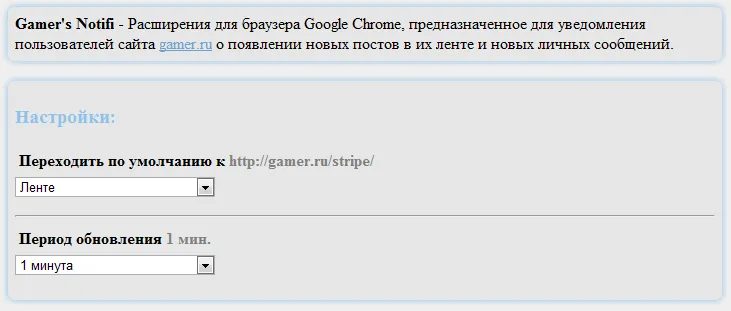
Default transition to - remember, I mentioned one nuance earlier? So, when only the feed is updated (X/0), clicking will take us to the feed. If our mail is updated (0/X), clicking will take us to messages. And if everything is updated (X/X), then this setting will be needed to establish priority.
Update period - this parameter is simple, it sets the time for updating the information. Minimum is 1 minute, maximum - 2 hours.
ps To use the extension, you must be an authenticated user
Link for installation
upd