
Offline post editor for Gamer.ru [ver 1.5.4]
If you remember, a month and a half ago I released the first version of the offline post editor for Gamer.ru. During this time, although version 2.0 is not ready yet, there have been enough improvements and fixes accumulated, both functional and interface-wise, so here comes version 1.5.4!

This time you can download one of two versions. For those who have the latest Java Runtime Environment or don’t mind installing this useful tool, a jar file is available for download:
Download jar file
For those who do not wish to install anything, a zip archive is available, containing the installed JRE, the jar file of the program, and run.bat for launching. After downloading, extract the archive somewhere (there should be no spaces in the full path) and use it by launching via run.bat:
Download archive
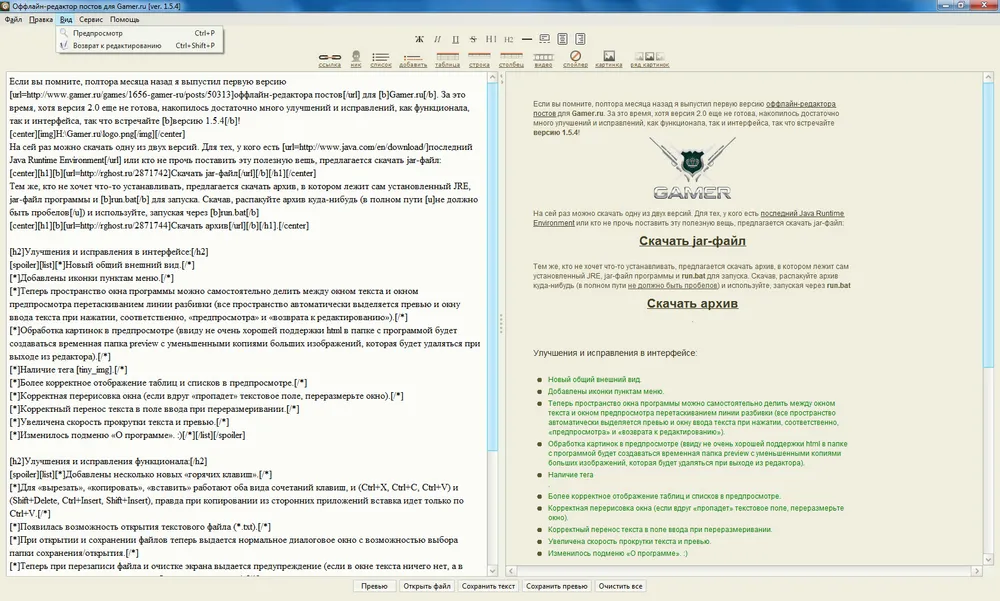
Improvements and fixes in the interface
A new overall appearance.
Icons were added to menu items.
Now the program window space can be divided between the text area and the preview area by dragging the divider line (the entire space is automatically assigned to the preview and text input window when pressing the respective 'preview' and 'return to editing' buttons).
Image processing in the preview (due to the not very good HTML support, a temporary preview folder will be created with reduced copies of large images, which will be deleted when exiting the editor).
The presence of the tag [tiny_img].
More accurate display of tables and lists in the preview.
Correct redrawing of the window (if suddenly the text box 'disappears', resize the window).
Correct text wrapping in the input field when resizing.
Increased scrolling speed of text and preview.
The 'About' submenu has changed. :)
Improvements and fixes in functionality
Several new 'hotkeys' have been added.
For 'cut', 'copy', 'paste', both types of key combinations work, (Ctrl+X, Ctrl+C, Ctrl+V) and (Shift+Delete, Ctrl+Insert, Shift+Insert), although when copying from third-party applications, pasting only works with Ctrl+V.
There is now the ability to open a text file (*.txt).
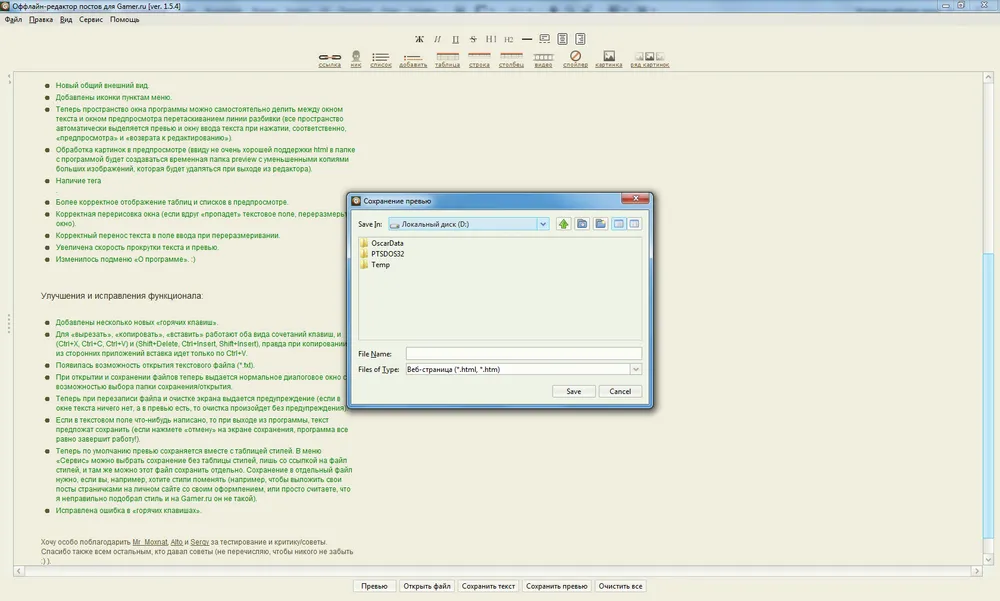
Upon opening and saving files, a normal dialog box with a folder selection option is now provided.
Now when overwriting a file and clearing the screen, a warning is issued (if there is nothing in the text box, but there is something in the preview, then clearing will occur without warning).
If there is anything written in the text field, you will be prompted to save the text when exiting the program (if you press 'cancel' on the save screen, the program will still exit!).
Now, by default, the preview is saved along with the stylesheet. In the 'Service' menu, you can choose to save without the stylesheet, only with a link to the style file, and there you can also save that file separately. Saving to a separate file is necessary if, for example, you want to change the styles (for instance, to publish your posts as pages on your personal site with your design, or you simply think I picked the wrong style and it is not like that on Gamer.ru).
A bug in 'hotkeys' has been fixed.
Screenshots
I want to especially thank Mr\_Moxnat, Alto, and Sergy for testing and critiques/advice. Thanks also to everyone else who provided advice (I'm not listing names to avoid forgetting anyone :) ).
I look forward to your comments.
P.S.: This post was written in the editor.